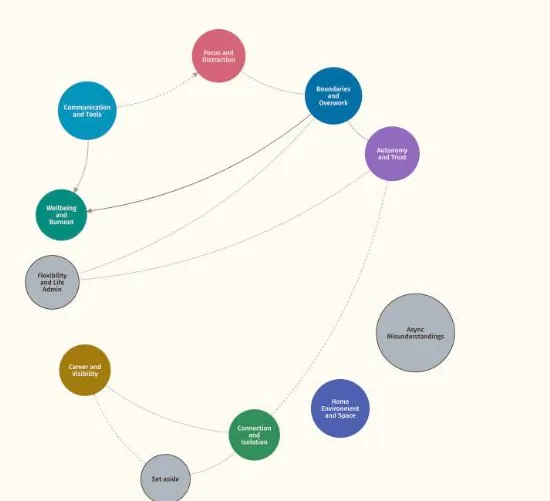
 Conference slideOpen →Working Well, all connectionsReflexive thematic analysis · Node network with connections16:9 slide, Present mode · Working Well sample dataset
Present your themes in Present mode
Hide the tools and enlarge the map and your strongest quotes for a supervision, a seminar or an examiner.
Used in phases 5 and 6, defining themes and writing up
Preferred quotes
The quotes you starred are the ones Present mode shows.
Exit Present mode
One button returns you to Work mode where you left off.
Show your analysis without showing the software
Talking a supervisor or an audience through your themes is hard with a screen full of controls. Present mode hides them. The canvas fills the screen, the nodes are enlarged, and when you open a theme its preferred quotes appear in large type.
You present from the same project you have been refining, so there is no separate slide deck to keep in step with your analysis.
Before you present
A little preparation makes the session smoother.
What is shown
Themes and codes, enlarged, with branches scaled to match. Quotes appear in large type. Refined wording is used where you have it.
Sharing a screen
Present mode suits a screen shared in a video call as well as a projector, since nothing on screen is small.
Returning
Exit Present mode takes you back to the map with your selection where it was.
Related features
The features you will use alongside present mode, closest first.
See your own themes come to life
Try the live demo or start a 7 day free trial. Your data is read in your browser and never leaves your computer.