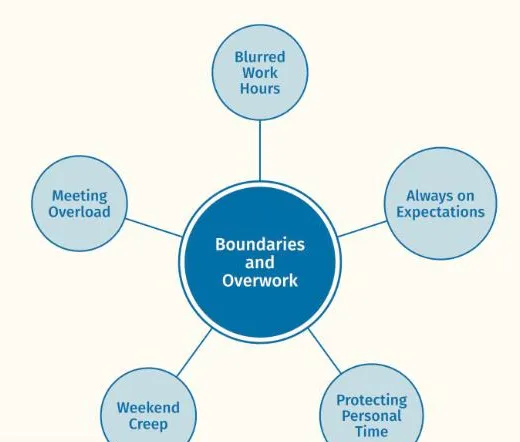
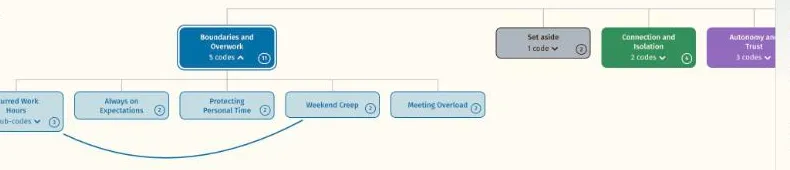
See the whole analysis at once
The node network draws every theme and code from your coding sheet, with the quotes a click away.
For masters and doctoral candidates, academics, postdoctoral fellows and independent researchers working through a thematic analysis on their own.
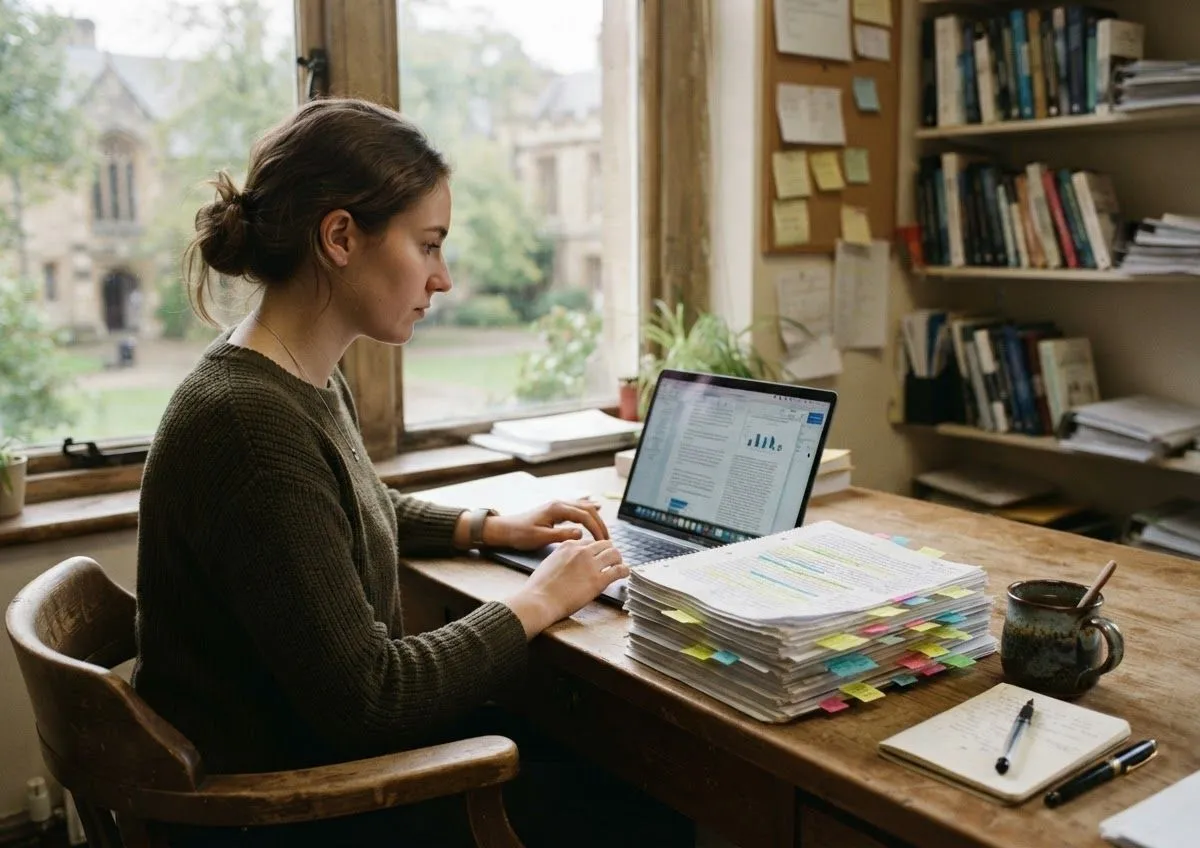
Read in your browser. Your transcripts stay on your own computer.
You have coded the transcripts. The spreadsheet is long, the codes are many, and the shape of the analysis is still in your head.
Load the spreadsheet you already have and read it in three views, then refine and present it from the same map.
The node network draws every theme and code from your coding sheet, with the quotes a click away.
Rewrite working definitions and star the quotes you will use in Work mode, while your verbatim quotes stay untouched.
Export a figure sized for the chapter or a slide, as a PNG, JPG or vector PDF, in your referencing style.
Take your refined themes, definitions and chosen quotes back to your spreadsheet.
Refine definitions and quotes in Work mode, then hide the tools to present to a supervisor, a panel or a conference.
The route many researchers take from a finished coding sheet to a figure in the findings chapter.
Seven days with every feature. Open the sample data or your own files.
You pay by card after the trial. Student plans need a university email address.
Themescape begins once coding is under way, from phase 3 of reflexive thematic analysis, and helps most in phases 3 to 5.
Group related codes into candidate themes. In Themescape, drag related codes together on the map and watch the groupings take shape.
Check each theme against the coded data and the whole set. Move, merge and rename themes on the map and read the quotes behind each one until it holds.
Write a clear definition and choose the quotes that show each theme best. In Themescape, open each theme to write its working definition and mark its strongest quotes.
Present the map and its quotes in your thesis, paper or slides. Switch to Present mode and export the map as a figure.
Themescape reads your files in the browser and Themescape never receives them, which is the sentence your ethics committee wants to read.
Transcripts and quotes are read locally and never leave the machine.
No file submission or permanent storage is required.
Verbatim quotes are never altered, with a separate refined column for presentation wording.
The Google Sheets mode is opt in, for non-sensitive data only.
Keep coding in NVivo, ATLAS.ti, MAXQDA or a spreadsheet. Themescape sits beside them as the visualisation layer and replaces none of them. Your coding comes across through the spreadsheet template, a CSV export or a project file from NVivo, MAXQDA or ATLAS.ti.
Short answers to what researchers ask most. The FAQ page has the rest.
Yes. The Student and Researcher plans start with a 7 day free trial, and you pay by card after it. Team and organisation plans are bought by the semester or the year.
When your login email is a university address, that address is enough. Otherwise we send a 6 digit code to a university email address you give us, and the Student plan is confirmed once you enter it.
No. When you load CSV files or import a project from your coding software, your browser reads them on your own computer and nothing is sent to Themescape. Transcripts and quotes are read locally and never leave the machine. No file submission or permanent storage is required. The one exception is a choice you make yourself, connecting a Google Sheet: The Google Sheets mode is opt in, for non-sensitive data only.
Yes, if you use one. Themescape works alongside coding software such as NVivo, MAXQDA and ATLAS.ti and replaces none of it. Keep coding where you code, then bring the result in through the spreadsheet template or Import from your coding software, which changes nothing in your project.
Yes. Choose Export, then Figure for publication, or Export figure in Build mode's tools. Pick what to show, a referencing style (APA 7th, MLA 9th or Chicago 18th), a width and a file type: PNG or JPG at 300 or 600 dpi, or a vector PDF that stays sharp at any size. Quotes are never included in figures, and a figure should carry no names that could identify a participant.
Try the live demo or start a 7 day free trial. Your data is read in your browser and never leaves your computer.